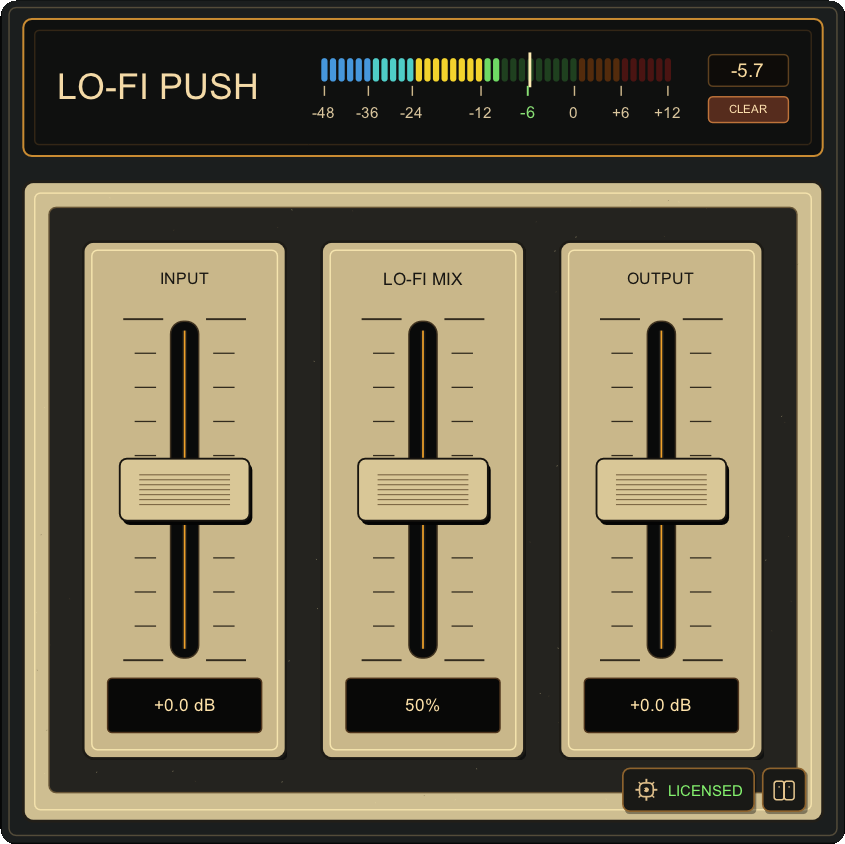
Lo-Fi Push is an innovative effect plug-in for creating polished grit and character with very little setup. Turn flat, sterile sounds into rich, powerful lo-fi textures with ease. It does more than simply dirty the sound: it also makes it fuller and wider, giving it more presence.
Using it is simple. Just push the signal until the INPUT meter sits at around -6 dB. Adjust Lo-Fi Mix to set the amount of lo-fi character for the source.
購入方法と無料デモPurchase options and free demo
当面の間、セールの予定はありません。
We do not currently plan to discount Lo-Fi Push.
デモ版を無料で試すTry the demo for free
製品版と同じプラグインを、ライセンスキーなしですぐに試せます。
Try the same plug-in as the full version immediately, without a license key.
デモ中は40秒ごとに短いノイズが入ります。
A short noise watermark plays every 40 seconds in demo mode.
Windows: VST3 / CLAP macOS: AU / VST3 / CLAPWindows: VST3 / CLAP · macOS: AU / VST3 / CLAP
一括購入Buy once
1回のお支払いで永久ライセンスを取得できます。適用される税金は決済時に加算されます。Get a permanent license with one payment. Applicable taxes are added at checkout.
初回決済完了後から製品版を利用でき、10回の決済完了後に永久ライセンスになります。Use the full version after your first successful payment. Your license becomes permanent after 10 completed payments.
$6.90USD / 月USD / month
10回払い・税別合計 $6910 monthly payments · $69 total before tax
One license supports two active devices. To use a third device, deactivate an old one in My Account. An internet connection is required on the first load in each DAW session and again after 24 hours of continuous use. (No sign-in required.)
バックエンド通信にCloudflareを使用しているため、VPNを使用しない限り、中国・ロシアなど一部の国または地域ではご利用いただけない場合があります。Because backend communications use Cloudflare, the plug-in may be unavailable in some countries or regions, including mainland China and Russia, unless a VPN is used.
よくある質問Common questions
何台のPCで使えますか?How many computers can I use?
通常ライセンスは同時2台です。3台目で使う場合は、古いPCをマイページから解除できます。
A standard license supports two active devices. To use a third device, deactivate an old one in My Account.
No. An online check runs when Lo-Fi Push is first loaded in each DAW session. After it succeeds, you can work offline, with another check required if the same DAW session remains open for more than 24 hours.
ライセンスキーをなくした場合は?What if I lose my license key?
購入時のメールアドレスでログインすると、マイページから確認できます。
Sign in with the email used for purchase to retrieve it from your account.
Purchases are generally non-refundable. For a duplicate charge, non-delivery, or an unresolved material defect in a supported environment, contact us within 14 days of a one-time purchase or the affected Rent-to-Own payment. See the refund policy for details.
An easy-to-use 24-band equalizer with Stereo, L, R, Mid, and Side processing, ideal before or after Lo-Fi Push. If the sound is noisy or harsh, try reducing the area around 3kHz.